The Add-on Center is where you find more for your website: a feature such as a booking request form, a new design or one section of it, or an AI starter to begin a new website for your trade. With version 1.0.5 you can see what each one is before you open it.
Designs: three a row, with a live preview
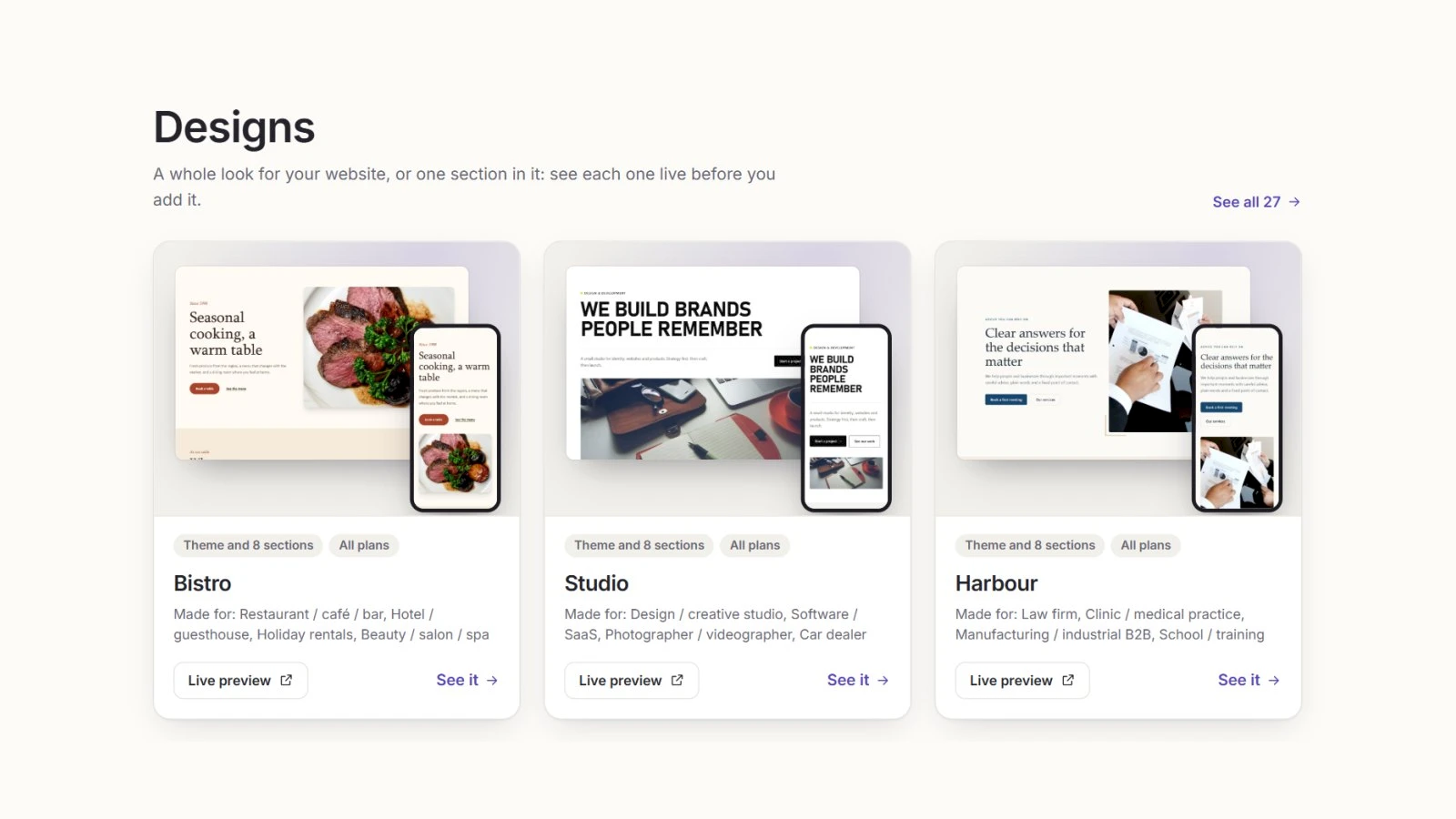
Designs and their sections are shown three cards a row on a computer. Each design card shows the look on a computer and on a phone, and its live preview opens the whole design before you add it.
AI starters: a photo of your trade
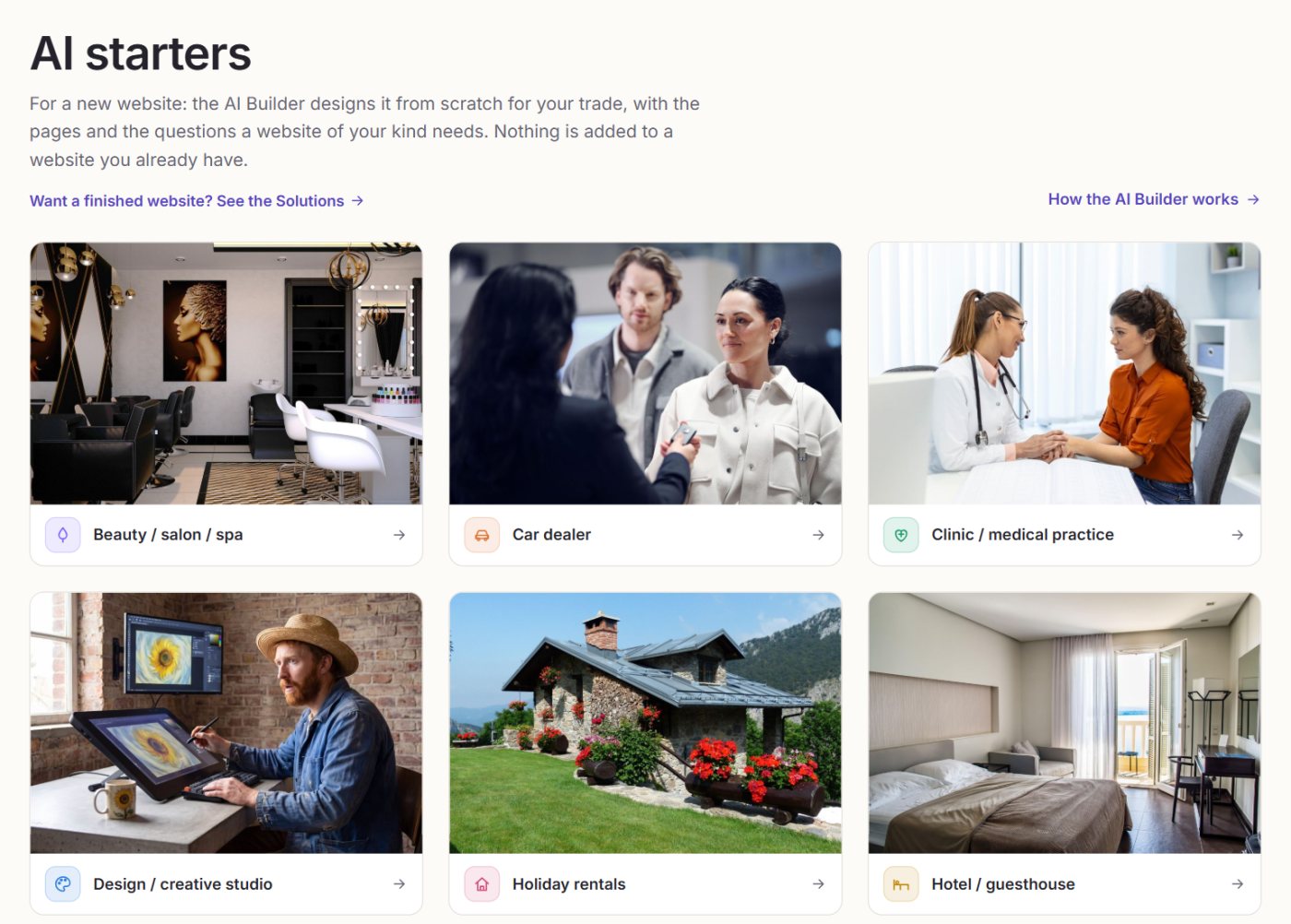
Each AI starter now shows a photograph of the trade it is made for, from a beauty salon to a software company, so you find yours at a glance. An AI starter is for a new website: the AI Builder designs it from scratch for your trade, with the pages and the questions a website of your kind needs. If you would rather start from a finished website, the Solutions are one link away.
Features: seen at work
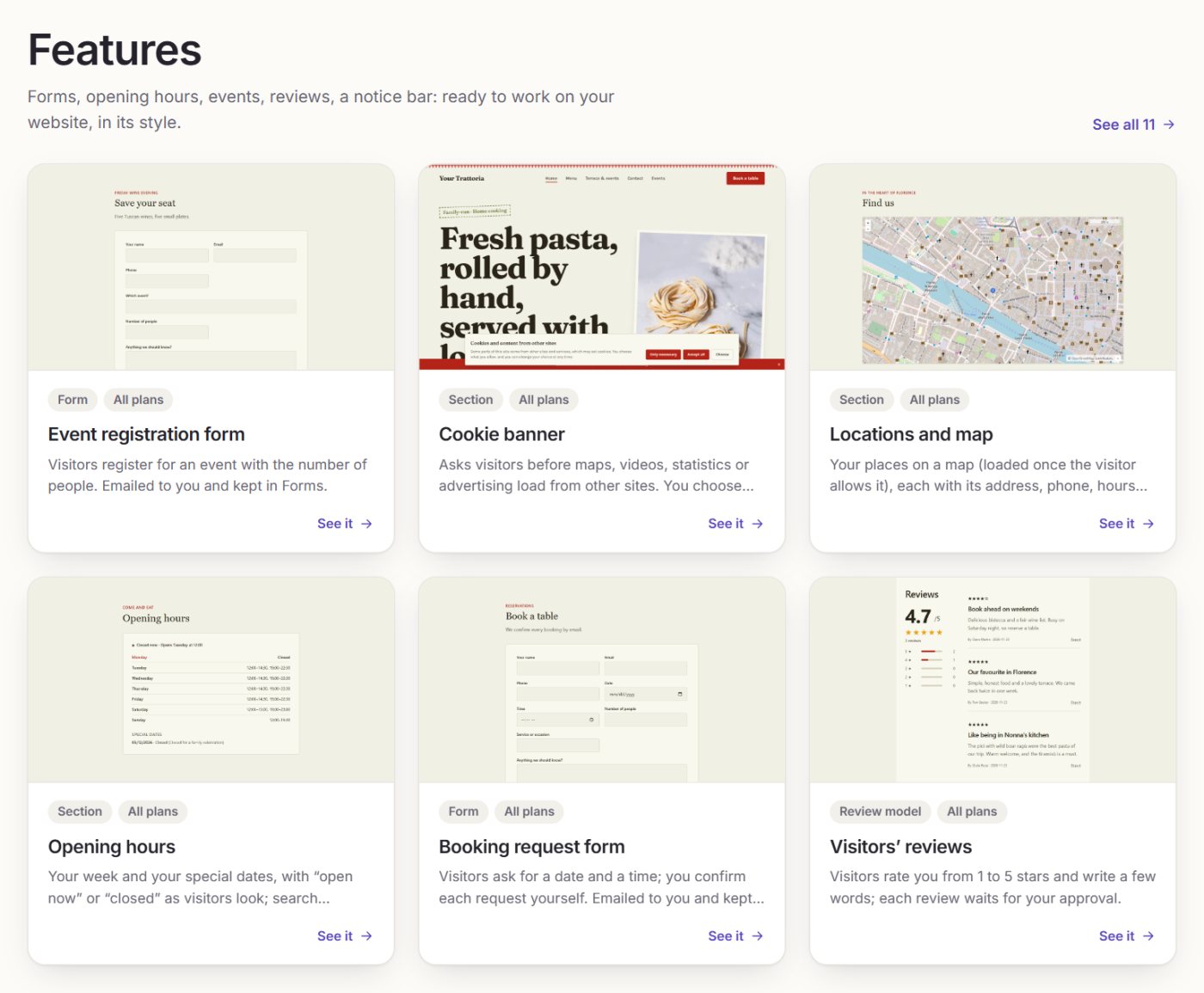
Each feature card now shows the feature on a website: the event registration form, the cookie banner, the map of your places, the opening hours, the booking request form, the visitors’ reviews. The shelf shows the six added most often, and the rest are one click away.
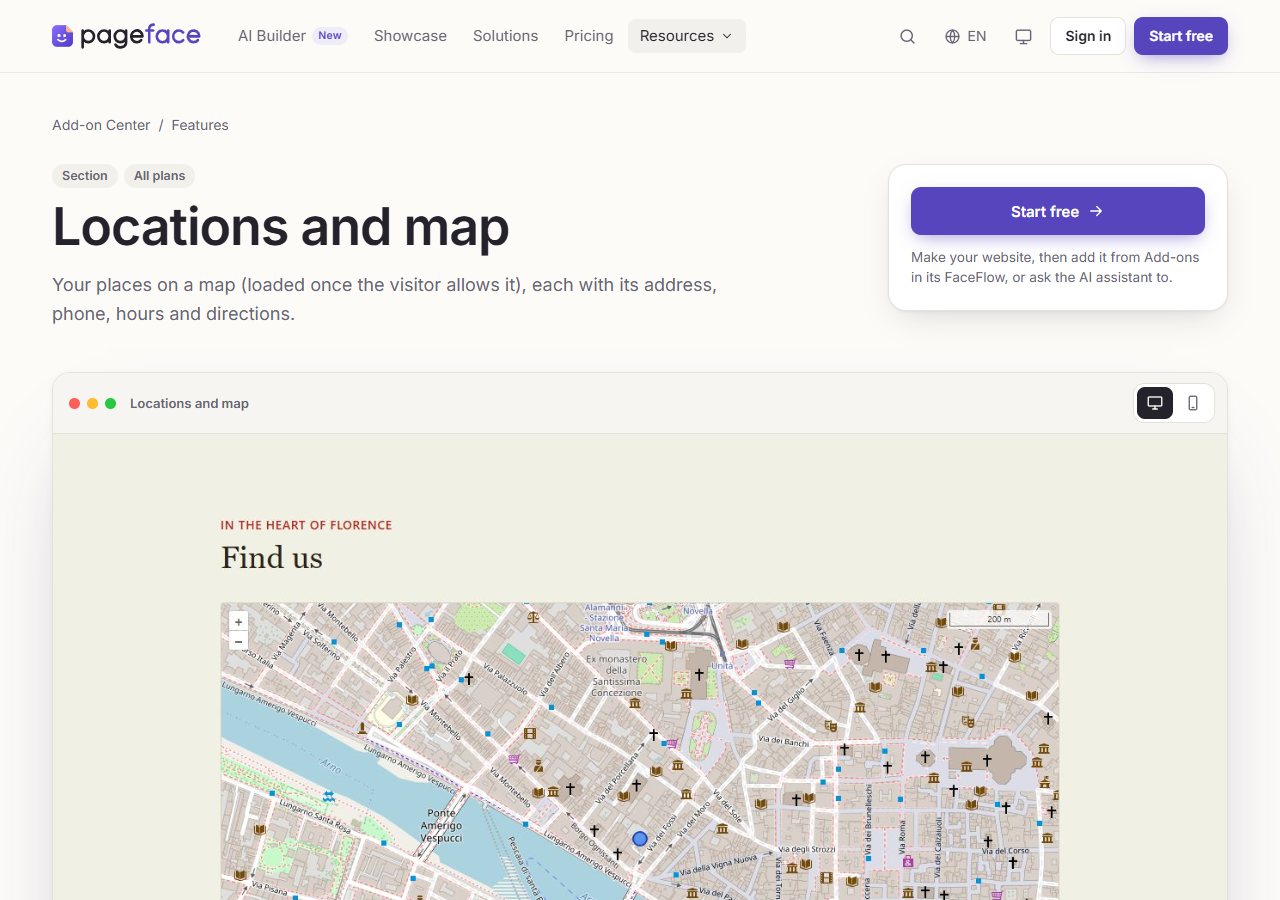
Open one and its page shows it large, as it looks on a computer or on a phone.
Fewer things that do nothing on their own
The form section and the review section used to be listed like any other section, although they only work together with a form or with visitors’ reviews. They are no longer listed on their own, and they are still there when you add a form or visitors’ reviews from Features.
How to add one
Open Add-ons in FaceFlow, or simply ask the AI assistant, for example: “add our opening hours to the contact page”. The Add-on Center on our website shows the same add-ons, so you can look around before you sign up.
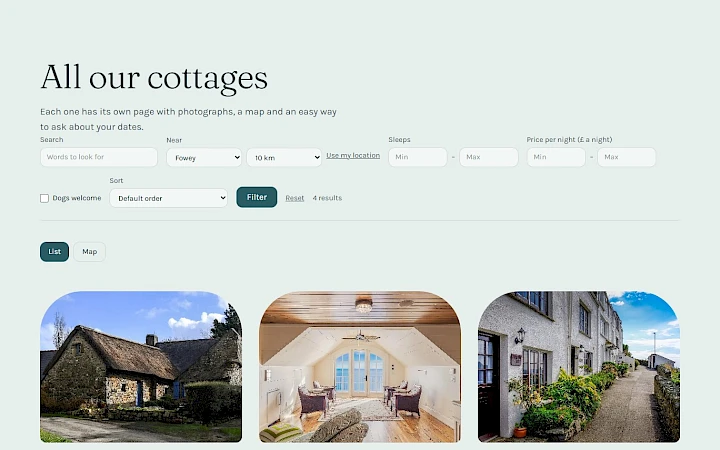
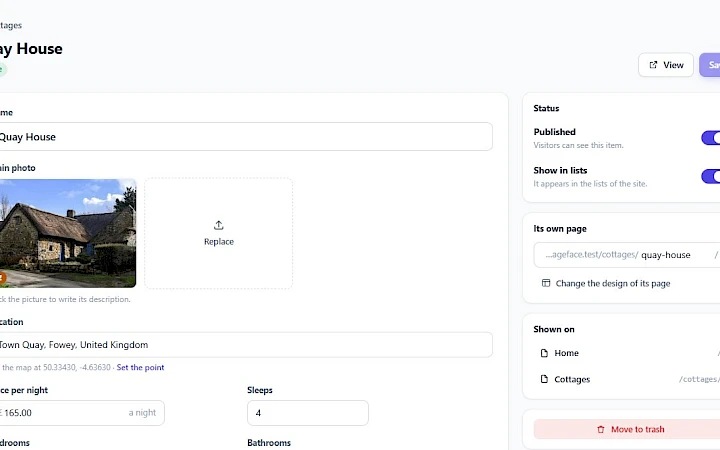
The photos come from Pixabay; the screenshots were taken on a demonstration website made with the AI Builder.