Until now, each plan allowed a certain number of pages, and on the Starter plan they ran out quickly. That was the wrong thing to count: a page about your opening hours or your terms costs nothing to keep, and nobody should have to choose between an “About us” page and a “Contact” page.
Pages: as many as you need
From version 1.0.5 there is no page limit on any plan. Add a page for each service, one for your terms, one for a seasonal offer: the AI Builder, the AI assistant and the FaceFlow editor no longer count them.
What a plan counts now
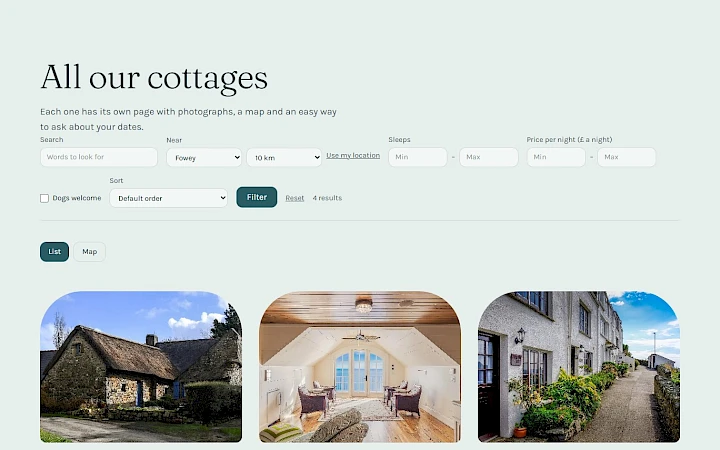
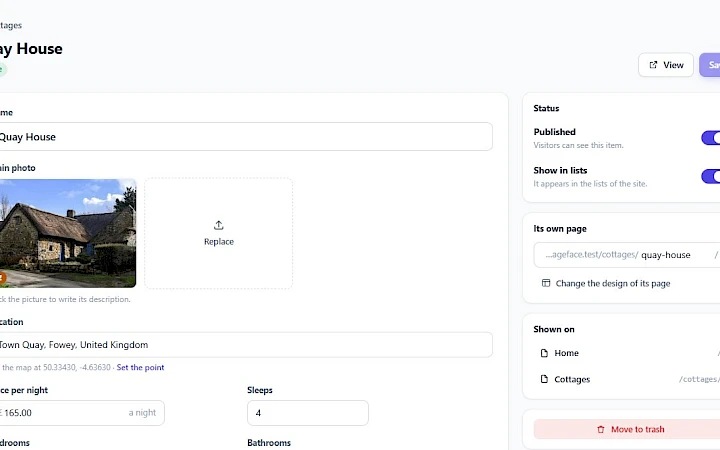
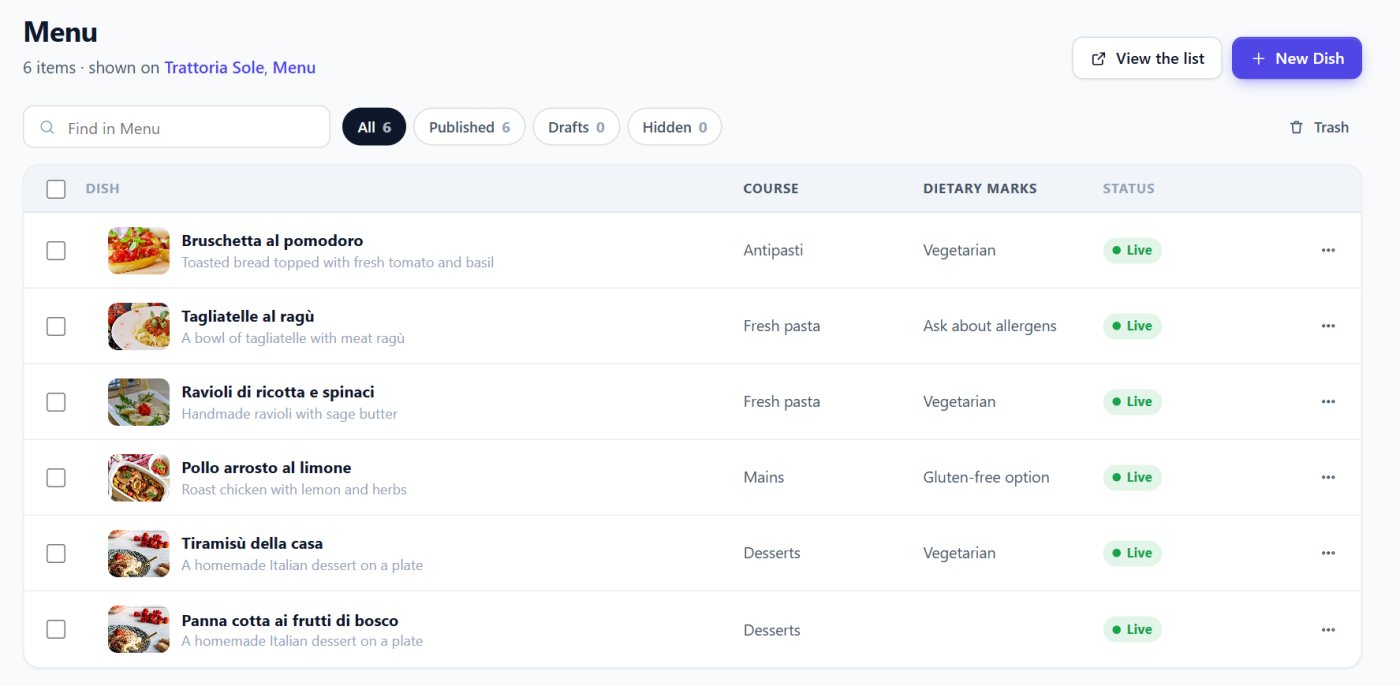
What grows with a business is its content: the dishes on a menu, the houses for sale, the team, the news. On Pageface they live in content lists, and a plan now counts two things:
- Content lists: each list that holds items, such as a menu, a news section, a team or your listings.
- Items in lists: each article, dish, team member or listing in those lists.
Ordinary pages, and the pages you place under them, are not counted.
The figures
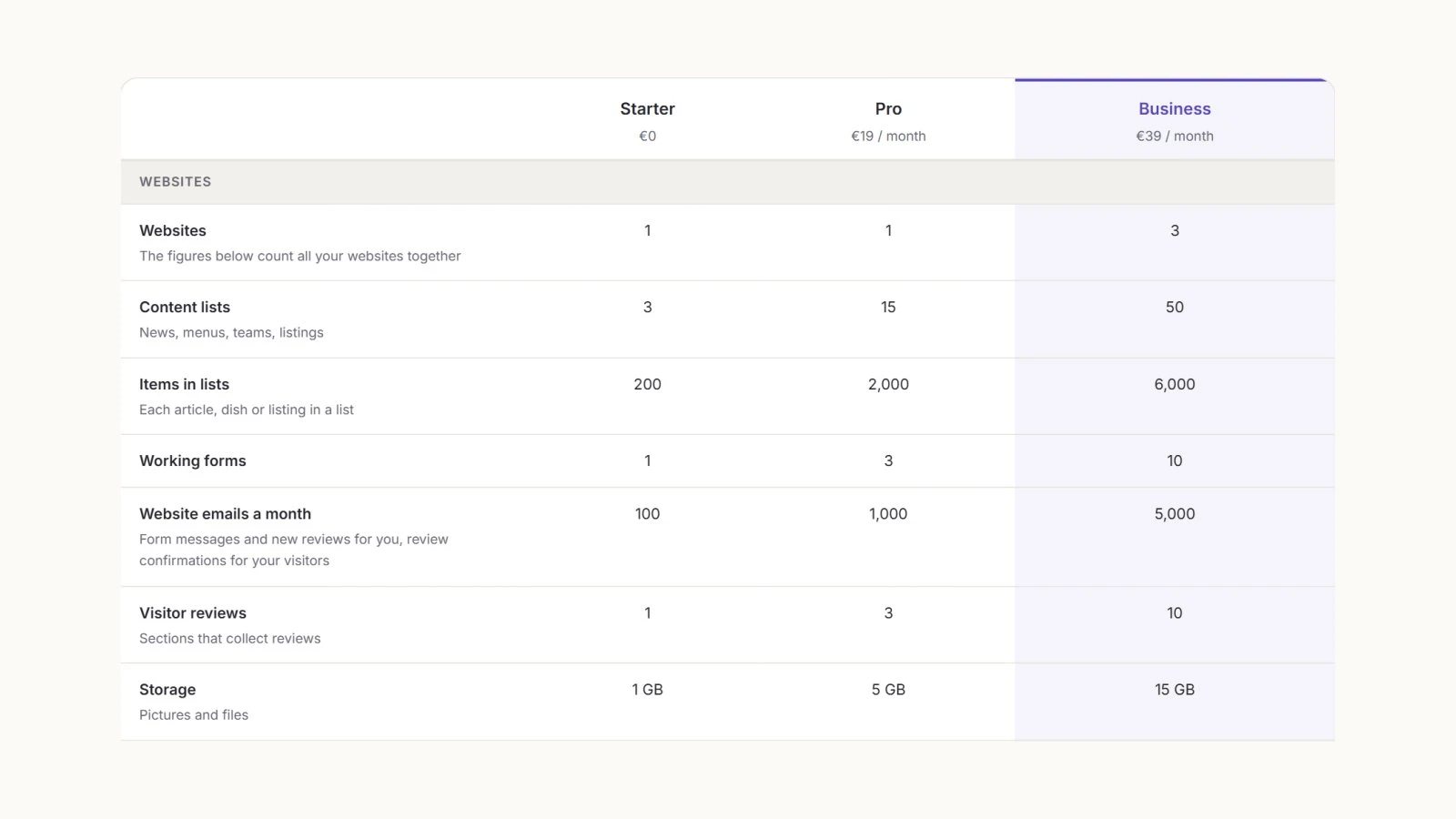
- Starter: 3 content lists and 200 items.
- Pro: 15 content lists and 2,000 items.
- Business: 50 content lists and 6,000 items.
As before, the figures count all your websites together. The plans page compares them side by side.
And one more change for Starter: its storage doubles from 500 MB to 1 GB, room for many more photos and files.
See where you stand
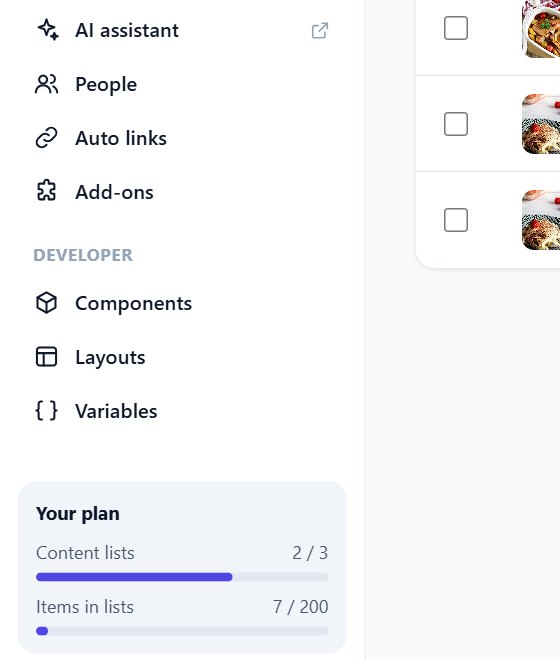
In FaceFlow, the side menu now ends with Your plan: how many content lists and list items you use, and how many your plan allows. It takes the place of the page count that was there before.
When a list or an item does not fit
- Websites you already have keep everything, even above the new figures. Only new lists and items wait until there is room.
- When you add a list or an item your plan has no room for, FaceFlow tells you so instead of adding it.
- When the design of a new website has more lists than your plan has room for, the AI Builder makes the lists you asked for first and keeps the rest as sections on their pages. The finished screen names them.
All of this is part of every plan from version 1.0.5. Websites are updated automatically, or straight away with “Update now”.