Most of the time you spend on your website is spent in its content forms: adding a cottage, changing a price, writing a description. Version 1.0.4 makes those forms calmer and safer.
Fields where you expect them
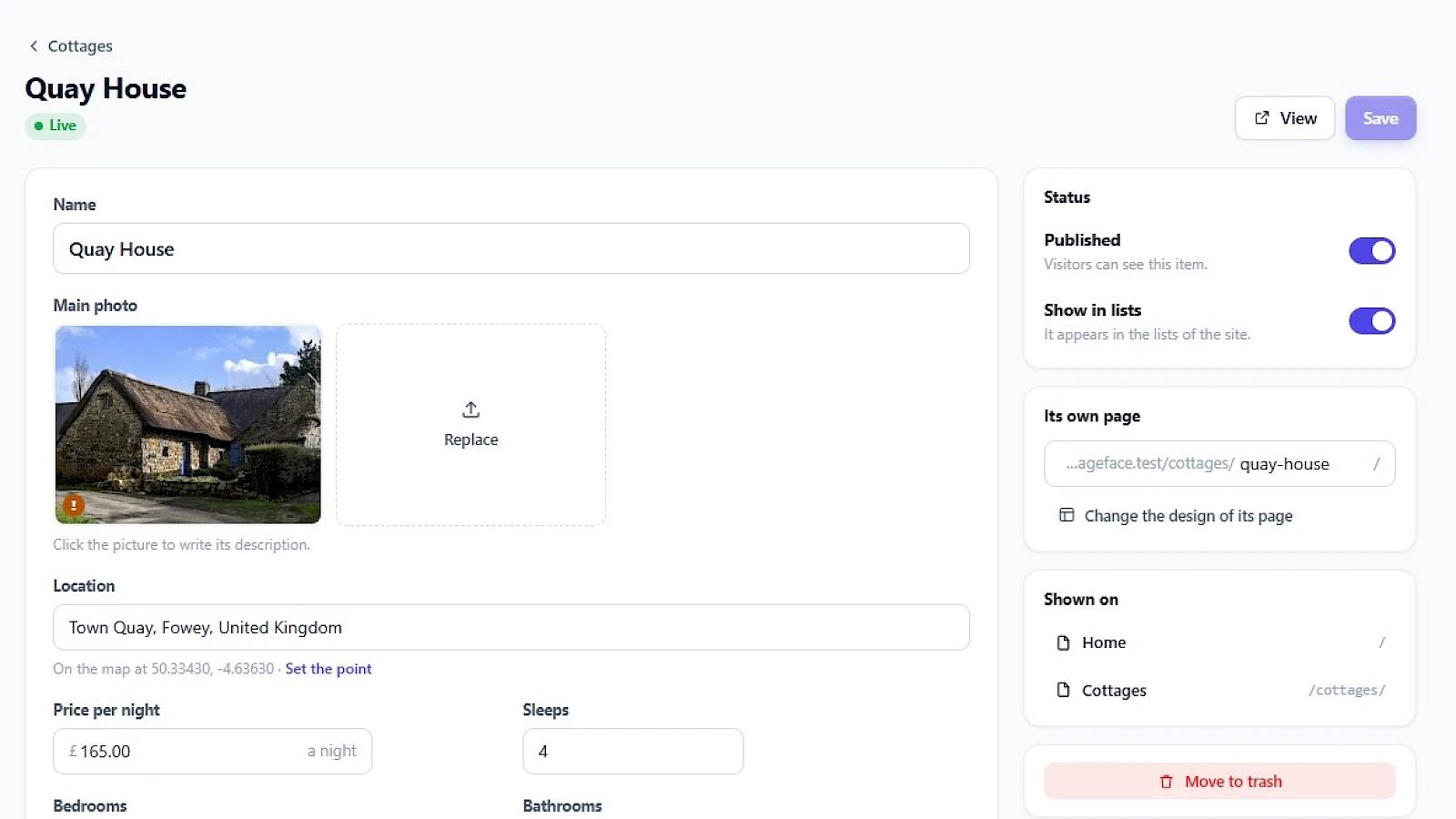
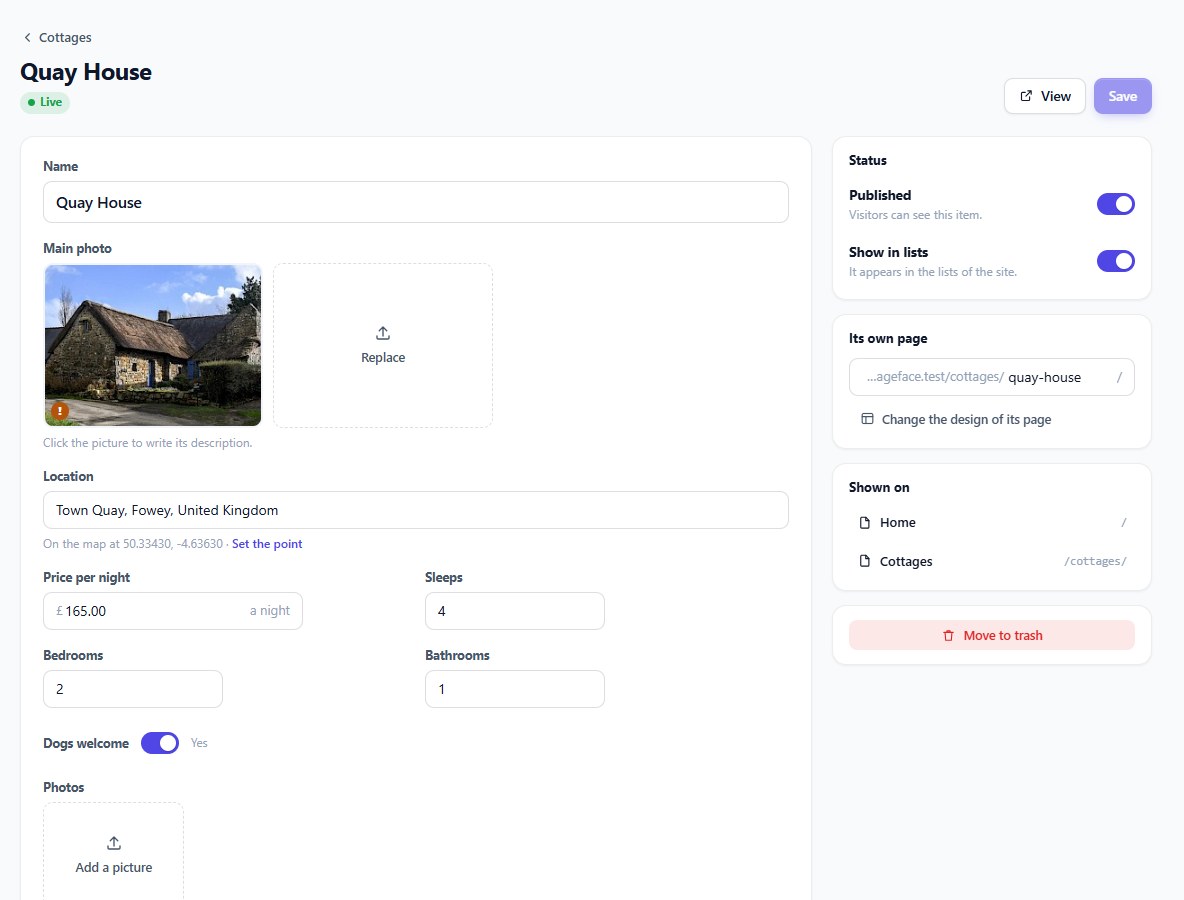
A form now follows how each field is set up. Short facts sit side by side instead of one long column. A field’s note appears under it. A unit stays next to its number, so “a night” is written beside the price and you only type the amount. Websites made with the AI Builder get this layout from the start.
Only what applies, and nothing forgotten
- Fields that depend on another appear only when they apply: the number of rooms for a flat or a house, not for a studio.
- Minimum and maximum are checked as you type, at the field itself.
- Required fields must be filled before a page or an item is published, and the form tells you which.
- The same rules hold for fields inside other fields, such as repeated rows and groups of facts.
What you type is kept as you typed it
Numbers keep their decimals, long texts are kept whole, and text boxes with several lines grow as you write. Download lists show the size of each file.
One address for every notification
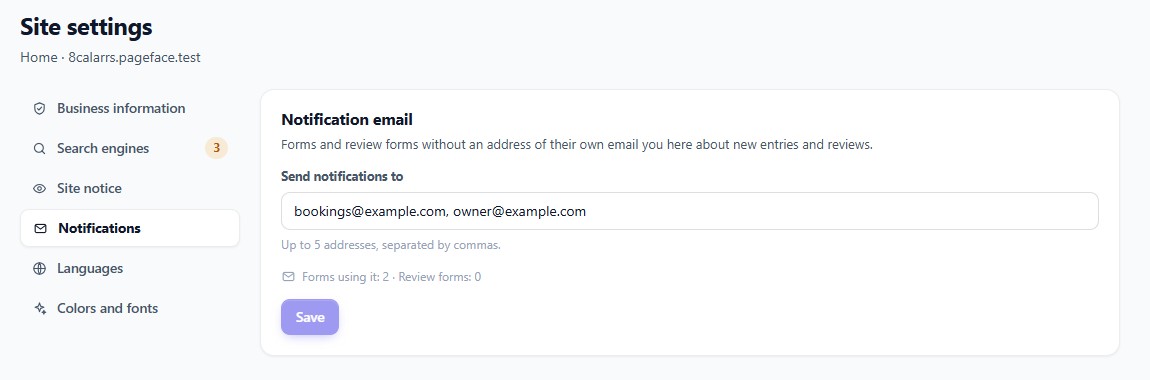
When a visitor sends a form or leaves a review, someone should hear about it. In Site settings → Notifications you now enter one address, or up to five, and every form and review form that has no address of its own sends its messages there. If an address cannot receive your emails, it is listed on the same screen, so a full mailbox or a typo does not go unnoticed.
All of this is part of every website from version 1.0.4. Websites are updated automatically, or straight away with “Update now”.