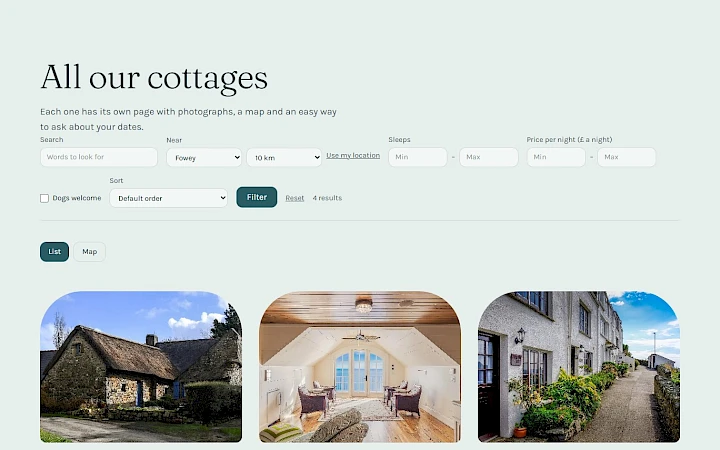
A visitor who opens a cottage, a product or a course wants the details before getting in touch. Some details do not fit on one line: the facilities of a house, the technical data of a machine, the dates of a course, a menu or a datasheet as a PDF. Since version 1.0.4, the items of your lists can hold all of them.
A table of specifications
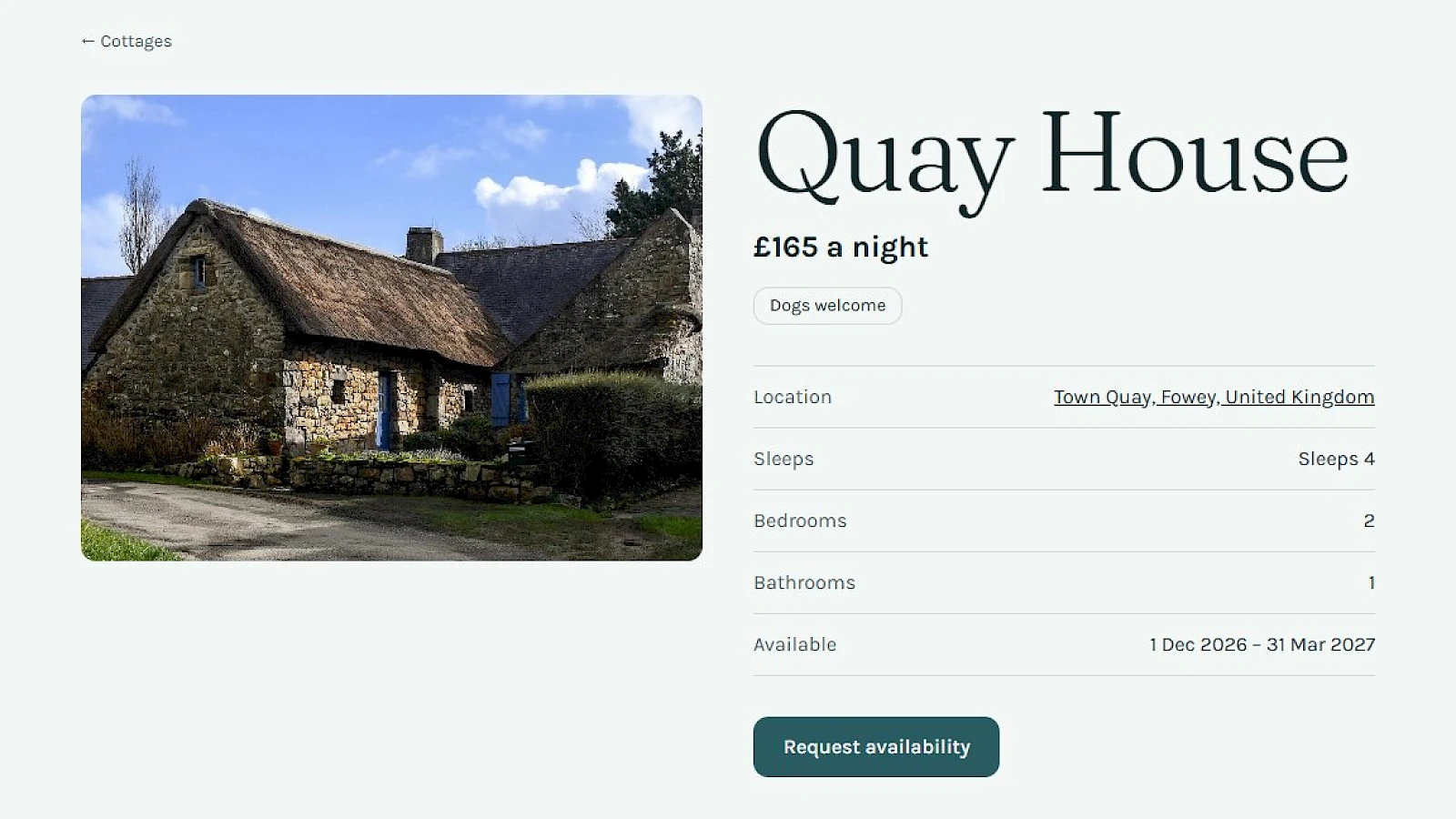
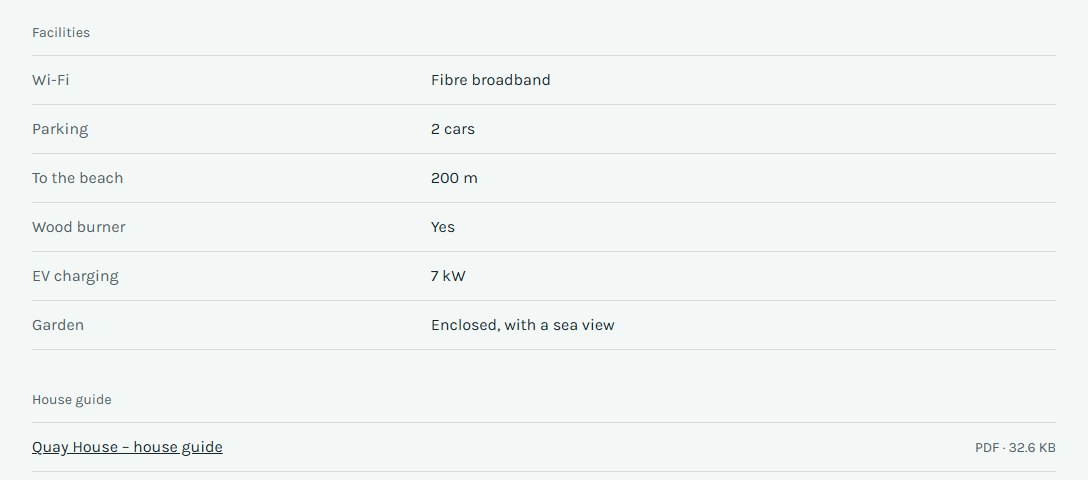
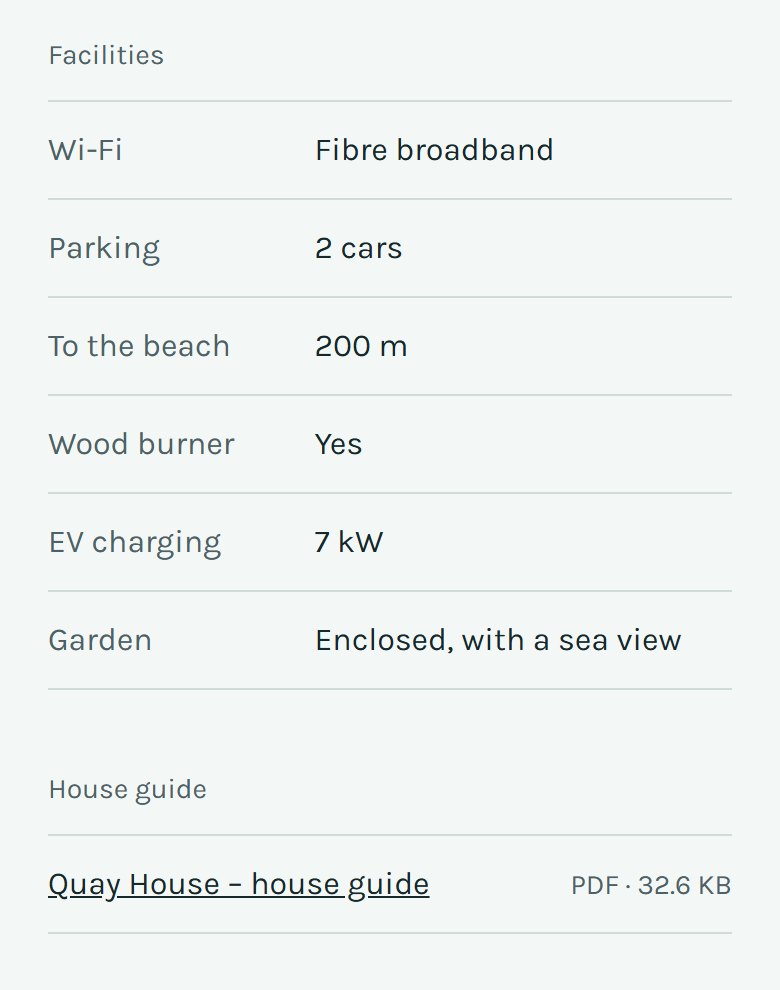
Each item can have rows of its own, each with a name, a value and a unit: “Parking – 2 cars”, “To the beach – 200 m”, “EV charging – 7 kW”. The rows belong to the item, so one cottage can list a wood burner and the next one a hot tub. On the item page they appear as a clear table. On a website in several languages, each row can be written in each language.
Dates from … to …
A period has a first and a last day: when a cottage is free, when a course runs, how long an offer lasts. It appears with the item’s other facts, written the way your website’s language writes dates, and visitors can filter a list by it.
Documents to download
A menu, a datasheet, a house guide: an item can offer documents, listed on its page with their title, their kind and their size. Each one opens in a new tab. A documents field takes the kinds of file it was made for, such as PDF, up to 20 MB a file.
On a phone
The table and the documents stay easy to read on a small screen.
Editing them yourself
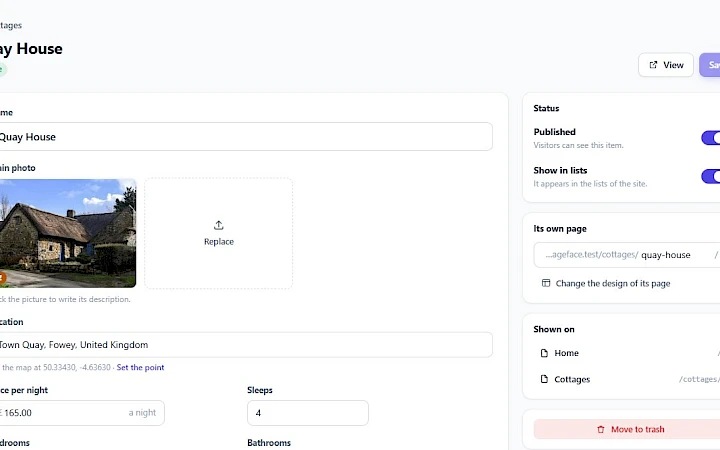
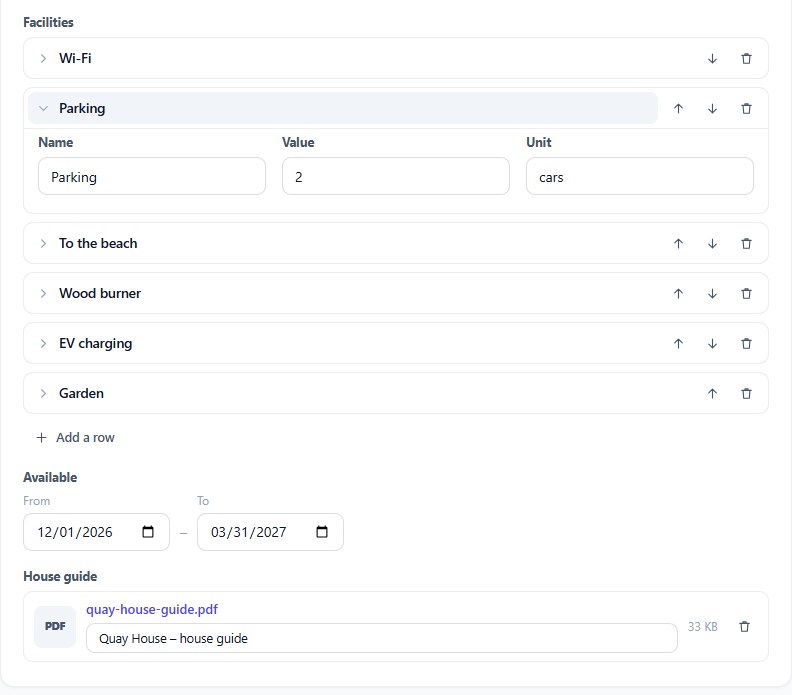
In the FaceFlow editor, all three are part of the item’s content form. Specifications are edited row by row: open a row to change it, move it up or down, delete it or add a new one. A period has two dates, its first and its last day. A document shows its file name, its title and its size.
Or ask the AI assistant
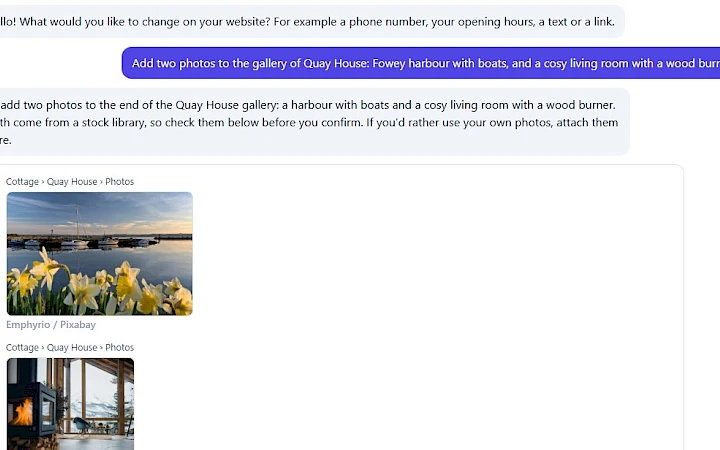
- Add a table or a period to a list: “Add a Facilities table to the cottages” or “Give each course its dates”. The new field appears in the form and on the item pages.
- Fill them in and change them: “Quay House has parking for two cars and a 7 kW charger”, “Quay House is free from 1 December to 31 March”.
- Documents: attach a file in the conversation and say which item it belongs to. The assistant puts it in, replaces an older one or takes one out. Each file is checked first: a PDF, a Word, Excel or PowerPoint document without macros, or a ZIP archive is kept; anything else is refused.
As always, you see each change before it is made, and you can undo it.
Where they come from
Websites made with the AI Builder get these fields where the business needs them: specifications for products and rentals, periods for courses and stays, documents for menus and datasheets. All of it is part of every website from version 1.0.4: websites are updated automatically, or straight away with “Update now”.