

Choose your languages at the start
Tell the AI Builder which languages your website speaks during the conversation, for example "in French and English". It writes the website in your main language and translates it into the others while it prepares the site; the build form shows which ones the AI translated. Starting from a solution, choose your Default Language and turn on Enable Multi-language Content to pick the others.
Your default language is the one your website is written in and its admin uses. Visitors switch language with the language menu of your website.
Add a language later
Two ways:
- Ask the AI assistant: "Add German to my website". It adds the language and translates the whole website for 5 AI points.
- In FaceFlow, open Site settings, then Languages, and click Add a language. Then Translate the rest asks the assistant to translate what is missing.
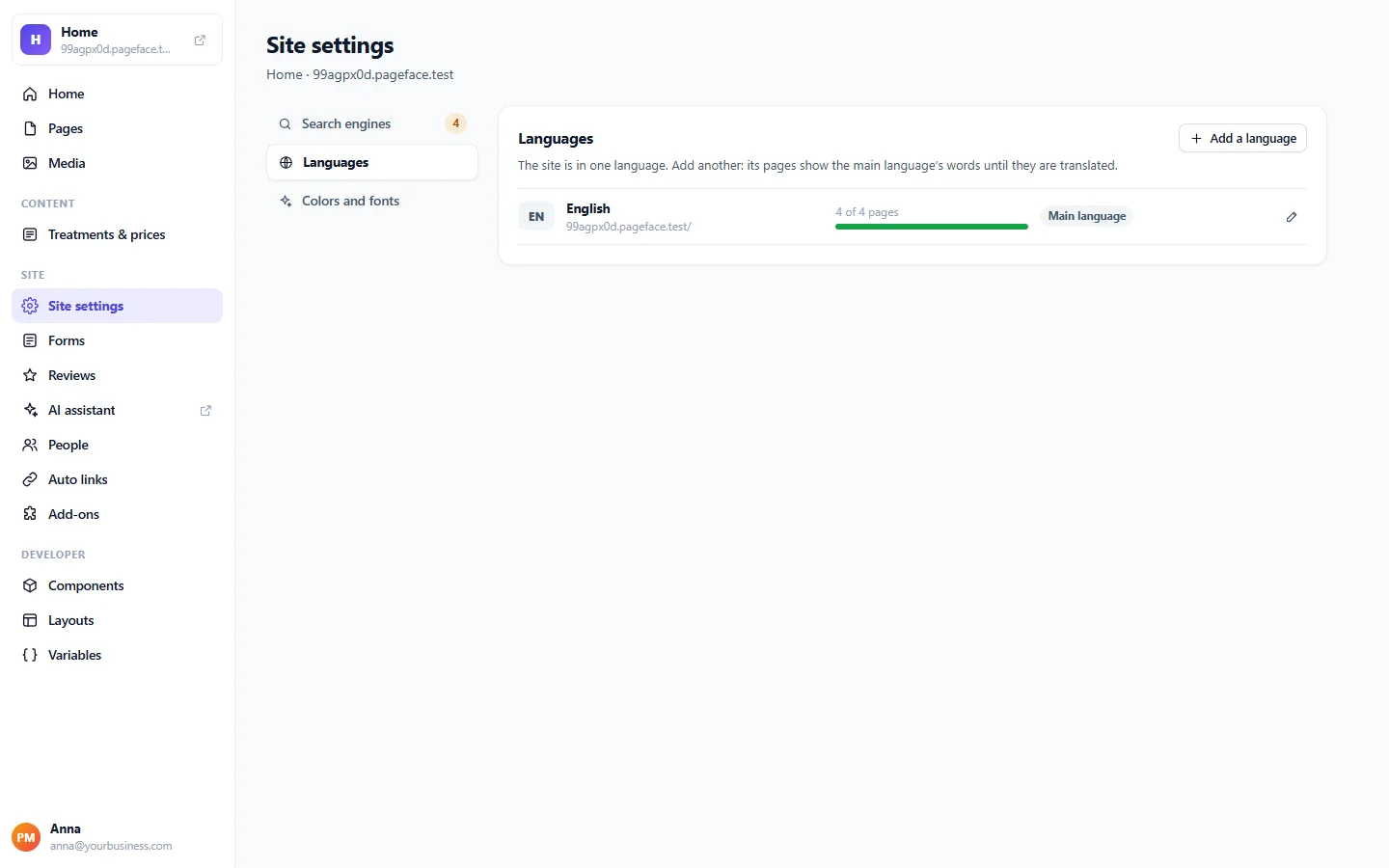
Until a text is translated, visitors of that language see it in your default language.
Change a text in one language
In the page editor, choose the language in the menu at the top: what you change then is for that language only. Items of your lists have their texts in each language too. To translate a page or a list into every language at once, ask the assistant; each page or item translated into a language uses one AI point.
What stays in the default language
Forms have one language: their fields and messages stay in your default language. Names, addresses, phone numbers and prices stay as you wrote them.
Manage your languages
In Site settings and Languages, you can rename a language, change the order of the language menu, Turn off for visitors a language you are still preparing, or remove it.